

This checklist helps Kemptville residents decide quickly which local pizza delivery to use and how to place an order without second guessing. Use it to confirm whether a restaurant will deliver to your exact address, whether menu items meet dietary needs, which ordering method saves time, how discounts apply, and whether pickup might be faster. If you want to move straight to a local option, the Milano ordering page lets you check delivery availability and menu options online.
What this checklist is for
What you will confirm
- Whether a pizzeria delivers to your street address in Kemptville.
- Whether the menu matches dietary preferences such as gluten-free or specialty pizzas.
- Which ordering method (online account, re-order, phone, or pickup) is fastest for you.
- Whether advertised promotions apply at checkout and the final total after fees and taxes.
- How to contact the restaurant quickly if something needs fixing.
How to use this checklist
Work down the five steps below, spending one minute on each. If Milano fits your needs, you can verify delivery and place an order directly on the restaurant’s site. If not, use the same steps with other local pizzerias to compare.
Step 1 — confirm delivery to your address
Enter your address on the restaurant order page
Most local pizzerias, including Milano, require your street address during checkout to confirm delivery. Enter your full address on the Milano ordering page to see whether delivery is available, whether a minimum order applies, and any delivery fee. The Milano site lists the Kemptville location at 2600 County Rd 43, so start there if you live nearby.
Call to confirm delivery boundaries
If the online form is unclear or you live near the edge of town, call the restaurant to confirm. Milano’s Kemptville phone number is (613) 258-4050. A quick call can also clarify estimated delivery time and whether the driver can follow specific drop-off instructions.
What to do if you live outside standard coverage
If delivery is not available to your address, consider these options: (a) ask about a driver meet point a short distance from you, (b) choose in-store pickup to save delivery fees, or (c) look for another local pizzeria that covers your area.
Step 2 — check menu fit and dietary needs
Gluten-free options and limits
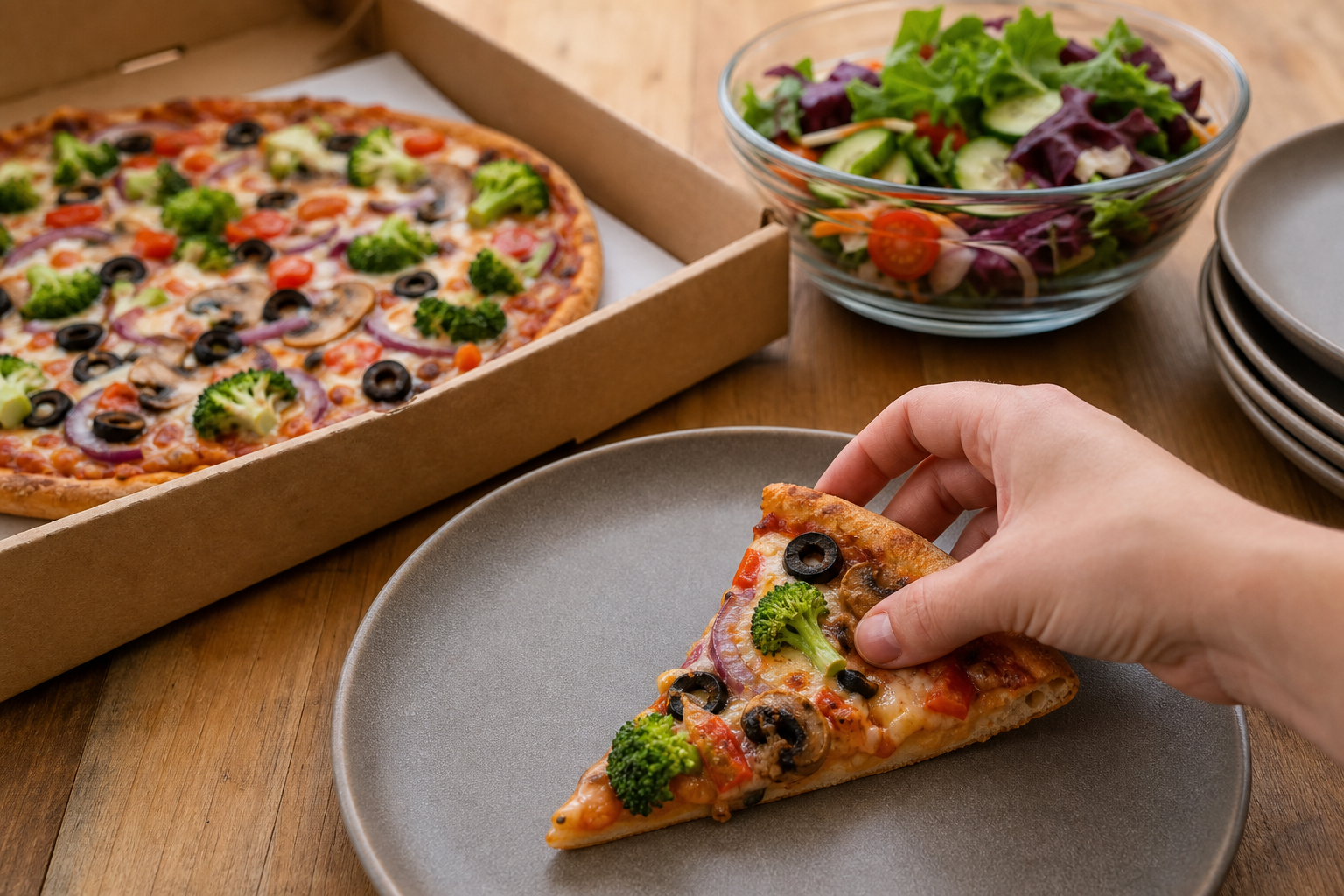
Confirm whether gluten-free dough is available in the size you need. Milano provides gluten-free dough at no extra charge for small and medium pizzas, which is a helpful option for many customers. Always tell the staff about serious allergies, and ask whether the kitchen uses separate preparation surfaces and utensils. Cross-contamination cannot be guaranteed in most pizzerias, so if you or someone in your party has celiac disease or a severe allergy, ask for details before ordering; do not assume safety without explicit confirmation on the call or order page.
Specialty pizzas to try
Milano’s Kemptville menu features unique choices such as Paneer Pizza and Butter Chicken Pizza, which can be great if you want something different from standard toppings. Check the menu to see ingredients listed and verify whether a specialty item is available in your preferred size on the ordering page.
Questions to ask about allergies and substitutions
- Can you swap or remove a topping for allergy reasons?
- Do you use separate fryers, surfaces, and utensils for gluten-free orders?
- Will the kitchen note allergy instructions on the order ticket?
Ask these questions by phone or include a clear note during online checkout.
Step 3 — pick the ordering method that saves time
Online ordering and account benefits
Online ordering is usually the fastest option. Creating an account on a restaurant site saves your address and payment details, shortens checkout, and can make it simpler to apply discounts. Milano supports online orders and account creation so you can save time on future orders by reusing stored information.
One-click re-order for repeat orders
If you often order the same items, use the re-order feature to place repeat orders in seconds. Milano’s site includes a re-order option that preloads your previous order so you can check and submit quickly.
Phone ordering when you need help
Call if you want to confirm special instructions, allergies, or split payment between multiple people. Phone orders are useful when the online menu does not show all substitutions or current stock levels.
When to choose in-store pickup
Pickup is usually faster when you live very close to the restaurant or need food immediately. If the delivery window is long and you can travel, select pickup at checkout and confirm the expected time with the staff to avoid waiting at the store.
Step 4 — confirm deals, how discounts apply, and total cost
Where discounts show up in the checkout
Promotions are often applied at checkout. Milano’s Kemptville site notes a site-wide discount that appears during checkout, so always review the checkout screen to confirm which discounts and bundle deals have been applied before you complete payment.
Compare per-item deals versus site-wide discounts
Compare whether a per-item special or a site-wide percentage discount gives the lower total. Sometimes a site-wide discount will reduce the price of higher-value items more than single-item deals, but the checkout preview is the authoritative source for your final cost.
Watch for extras such as delivery fees or service charges
Check the final total for delivery fees, service charges, and taxes before confirming. If the order is large or timed for a group, a small delivery fee may be worth the convenience, especially when a discount applies to the full order.
Step 5 — decide between delivery and pickup
When pickup is faster
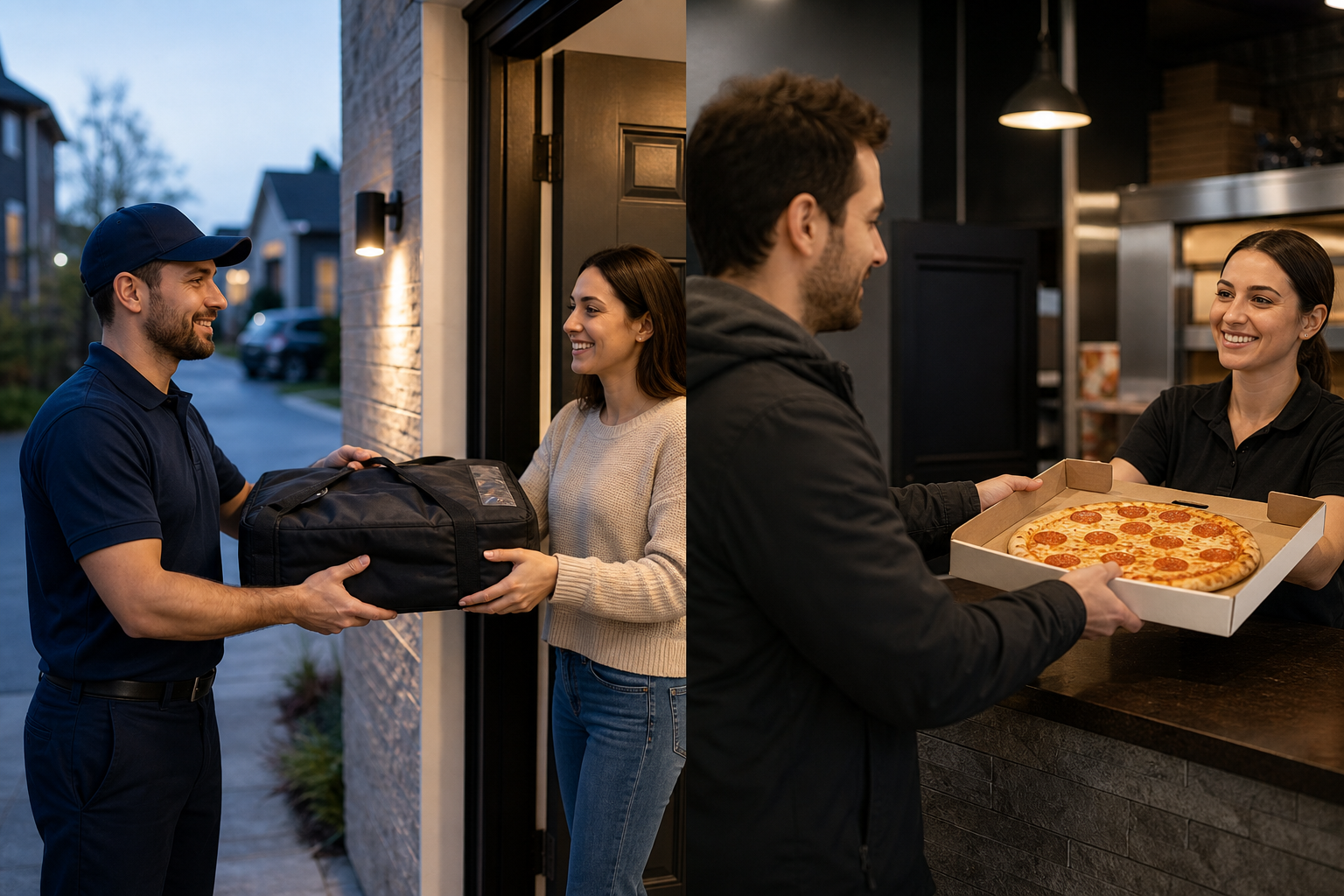
Choose pickup when you live a short drive from the restaurant and the delivery window is longer than the drive time. Pickup removes the delivery fee and gives you control over timing.
When delivery is worth the fee
Delivery is worth it when you need hands-free service, have limited time, or the delivery fee is offset by a site discount. If the order includes fragile or hot items, delivery ensures the food arrives ready to serve.
Contactless delivery and driver instructions
When ordering, include specific drop-off instructions if you prefer contactless delivery or a safe place for the driver to leave the order. Confirm whether the restaurant supports contactless delivery in the special instructions field or by phone.
Quick consumer protection note for Ontario orders
Perishable goods exception under Ontario law
Ontario’s consumer protection rules treat perishable goods delivered within 24 hours differently from other types of sales. The province notes that same-day deliveries such as pizza are excepted from some parts of the Consumer Protection Act; see the provincial guide for details on which provisions apply to perishable food orders.
How to check inspections and consumer rights
If you want to research a business or confirm inspections and compliance history, Ontario’s inspection pages explain how inspections are carried out and what to expect. For broader online shopping guidance, the federal Office of Consumer Affairs offers practical tips on online transactions and shipping responsibilities.
Relevant resources:
- Types of agreements | Business Guide to Consumer Protection
- Inspections for consumer protection | Ontario
- Protecting consumer rights and safety | Ontario
- Online shopping | Office of Consumer Affairs
How to escalate problems with online orders
- Contact the restaurant first to request a correction, replacement, or refund.
- If you cannot resolve the issue, consult Ontario’s consumer protection resources for next steps and inspection information.
- For online transaction advice and seller responsibilities, review federal Office of Consumer Affairs guidance.
Local trust checklist and next steps
Milano Kemptville quick facts
- Business name: Milano
- Address: 2600 County Rd 43, Kemptville, ON K0G 1J0
- Phone: (613) 258-4050
- Online ordering and account creation: available on the Milano ordering page
- Gluten-free dough: offered at no extra charge for small and medium pizzas (confirm at checkout)
- Specialty pizzas: Paneer Pizza and Butter Chicken Pizza listed on the menu
- Site-wide promotions may be applied at checkout; verify the final total before paying
How to verify delivery for your address now
- Open the Milano ordering page and enter your full street address to see delivery availability and delivery fees.
- If in doubt, call (613) 258-4050 to confirm delivery boundaries, timing, and allergy procedures.
- Confirm any discounts and review the checkout total before submitting payment.
Place your order or call
If Milano delivers to your address and the menu fits your needs, place your order online using the Milano ordering page or call to place a phone order. If delivery is not available, choose pickup or check other local pizzerias using the same checklist to compare.
Frequently asked questions
How do I check if a Kemptville pizzeria will deliver to my house?
Enter your full street address on the restaurant’s online order page. If the site does not accept your address, call the restaurant to confirm delivery boundaries and possible meeting points.
Does Milano offer gluten-free pizza in Kemptville and is it safe for allergies?
Milano offers gluten-free dough at no extra charge for small and medium pizzas, according to the Milano ordering page. However, kitchens may use shared equipment, so customers with celiac disease or severe allergies should call and ask about cross-contact procedures before ordering.
Where can I find consumer protection rules that apply to same-day pizza delivery in Ontario?
Ontario provides a consumer protection guide that explains how perishable goods delivered within 24 hours are treated under the Consumer Protection Act. For inspection information, consult the Ontario inspections page. For broader online shopping guidance, see the federal Office of Consumer Affairs resource.
What is the fastest way to reorder the same pizza from Milano in Kemptville?
Create an account on Milano’s ordering system and use the re-order feature, which preloads your previous order so you can confirm and submit quickly.
If my delivery is late or incorrect, who should I contact first and what are my options?
Contact the restaurant immediately to request a correction, replacement, or refund. If that does not resolve the issue, consult Ontario’s consumer protection resources for guidance on next steps.
Order Milano online now or call (613) 258-4050 to confirm delivery to your address.