

What "order pizza online" means in Kemptville
To "order pizza online" in Kemptville means placing a delivery or pickup order through an available digital channel, most commonly a restaurant's direct website or a third-party delivery app. For Milano customers that channel is the store's ordering page, where you can view the full menu, choose modifiers, create an account, and complete payment online. Milano's Kemptville location provides online ordering for both delivery and takeout on its site, and lists its address and contact details online for verification and pickup purposes (Milano Kemptville).
Why a short checklist matters
Online-first customers value low friction and clear modifiers because simpler menus and fewer surprises increase completion rates. Platforms and restaurants that follow online-ordering best practices improve accuracy and speed at checkout, which reduces mistakes and missed orders; these ideas are highlighted in online ordering guidance from restaurant platforms and industry reviews (Toast Best Practices, Slice).
Local signals to trust before ordering
Before you commit, check Milano's local details: the Kemptville site lists the address as 2600 County Rd 43 and the phone as (613) 258-4050, which you can use if you need to confirm timing or pickup instructions (Milano Kemptville).
Choose where to order: Milano's site or a delivery app
Start by choosing the ordering channel. Each has trade-offs: direct ordering through Milano's website usually gives you access to the full menu, in-store promotions, and fewer platform fees for the restaurant. Third-party apps can be convenient when you want consolidated orders from multiple restaurants but may add delivery or service fees and sometimes apply different pricing.
Decision criteria: choose direct when you want lower fees and promos
Independent pizzeria guidance recommends driving direct online orders where possible because direct channels typically reduce fees and increase operator margin and promo reliability. If you want the best chance to use restaurant discounts and one-click re-order features, order through Milano's own ordering page (Milano Kemptville) and look for any site-wide promotions at checkout (Slice).
When a third-party app makes sense
Use a third-party app when you need to order from multiple places at once, want a consolidated delivery interface, or when your preferred restaurant does not accept online orders directly. Remember to compare final totals for fees and tips before you confirm the order, as these apps can add costs not shown on the restaurant's site (American Express checklist).
Confirm delivery area, fees, and pickup details
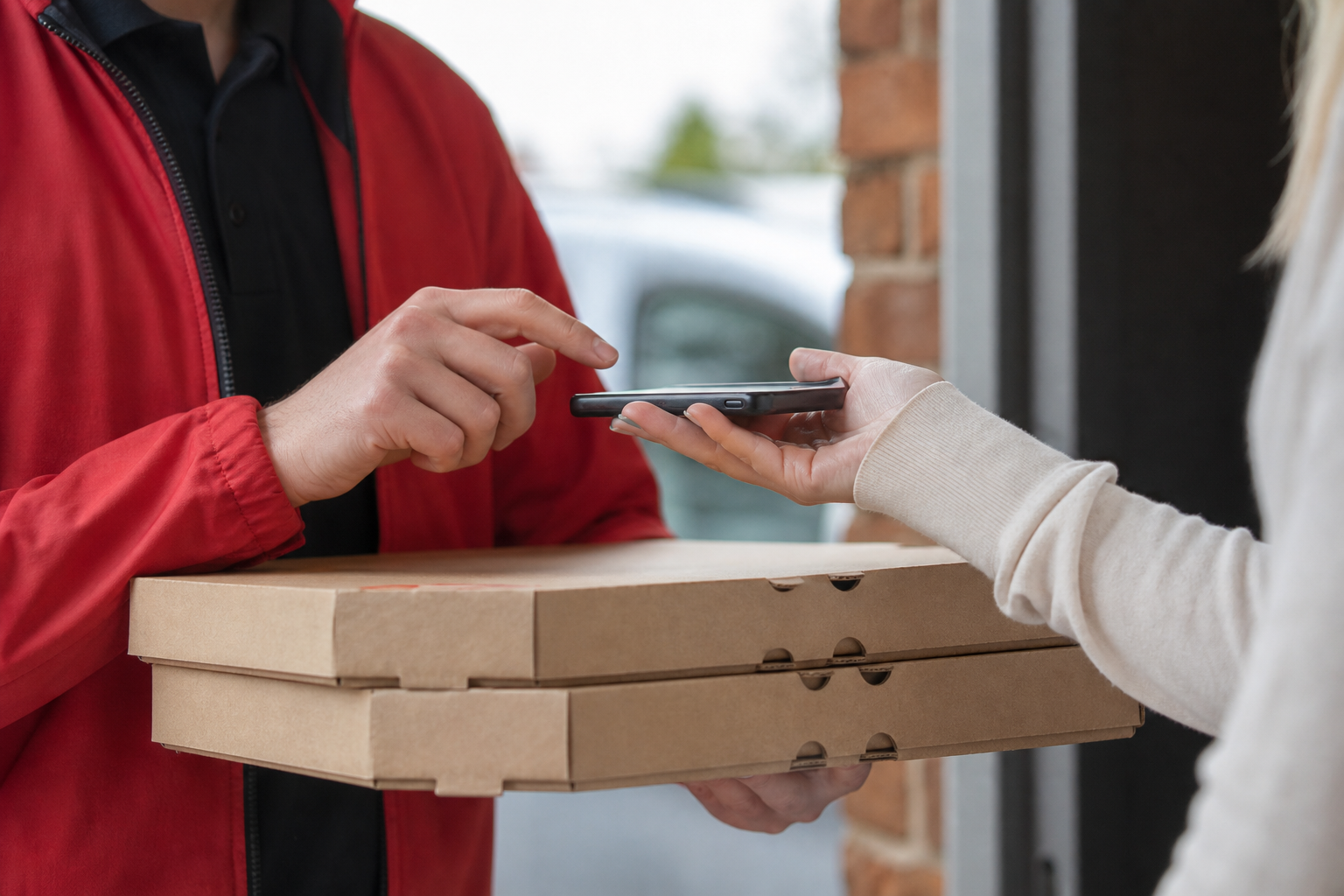
Before you configure an order, verify that Milano delivers to your exact Kemptville address and check any minimum order and delivery fee that may apply. If you plan to pick up, confirm the pickup address and the in-store pickup phone so you can notify staff when you arrive (Milano Kemptville).
Decision criteria: pick pickup when you need speed
Choosing pickup reduces the uncertainty of delivery windows and can be faster during peak times, but it requires you to travel to the store. If speed matters more than convenience, select pickup and confirm an accurate pickup time in the order notes or by calling (613) 258-4050 (Milano Kemptville).
What to do if your address is outside the listed area
If the ordering system rejects your address or marks it outside the service area, call the location to check for exceptions or alternate pickup options. When in doubt, contact the store before you place the order to avoid surprises.
Check menu items and dietary options before you order
Review the Milano menu online for the items you want. The Kemptville menu includes pizza, wings, subs, and Italian dishes, and offers specialty pizzas such as Paneer Pizza and Butter Chicken Pizza; these are listed on the Milano ordering site (Milano Kemptville).
What to verify for gluten-free orders
Milano Kemptville advertises gluten-free dough available at no extra charge for small and medium pizzas. If you or a guest has celiac disease or a severe sensitivity, ask the restaurant about cross-contact procedures before ordering, because gluten-free crusts can still be exposed to other ingredients during handling or preparation (Milano Kemptville). Clear online modifiers and accurate item names reduce mistakes; consult menu guidance to confirm toppings and extras before checkout (Dinevate menu checklist).
How to confirm modifiers and extras online
Use the online modifier fields to add or remove ingredients, choose crust type, and request special instructions. If a modifier you need is not available, call the store to confirm whether staff can accommodate your request before you pay.
Look for promos, coupons, and how discounts apply
Check for visible promotions on Milano's ordering page and in the checkout flow. Milano notes a site-wide discount that shows as 25% off applied at checkout on its site; confirm the final price in the payment screen before you confirm the order (Milano Kemptville).
Decision criteria: direct site for promo reliability
Promotions advertised on a restaurant's own ordering page are more likely to apply reliably at checkout than those listed on third-party platforms. If a promo fails to apply, contact the restaurant or the platform's support; know that a direct order usually gives the clearest path to redeeming restaurant offers (Slice, American Express checklist).
What to check about payment options
Before you submit, verify accepted payment methods and whether you must pay online or can pay on pickup or delivery. Confirm tips and any service fees so your final total matches expectations.
Use account and re-order features to finish faster

If you plan to order from Milano regularly, create an online account on the ordering site to store addresses and payment methods and to use the one-click re-order feature. Milano advertises account creation and quick re-order tools that speed repeat purchases and reduce entry errors during checkout (Milano Kemptville).
Decision criteria: create an account when you order regularly
Platforms and restaurants that encourage account use report higher re-order rates and faster checkout for returning customers; give account creation a try if you order once a week or more (Toast Best Practices, Slice readiness).
Seven quick checks before you tap Submit and common objections
- Channel: Are you ordering on Milano's site or a delivery app? Choose direct to use in-store promos when possible.
- Address and coverage: Confirm the delivery address or pickup location is correct for Milano Kemptville, 2600 County Rd 43.
- Items and modifiers: Check pizza size, crust, and any extras or removals on each item.
- Gluten-free and allergens: If you need gluten-free dough, confirm small or medium crust selection and ask about cross-contact before ordering.
- Promo code and pricing: Verify the 25% site-wide discount appears at checkout and check for exclusions.
- Payment, tip, and fees: Confirm payment method, tip amount, and any delivery or service fees.
- Pickup or delivery notes: Add clear instructions for gate codes, apartment numbers, or call-on-arrival requests.
Common objections and short answers
- Delivery fees and wait times: Compare total costs and pick pickup for speed if fees are high; call the store if you need an estimated window.
- Cross-contact for allergens: Ask the restaurant directly. A gluten-free crust does not guarantee a gluten-free environment unless the kitchen confirms separate handling.
- Promo did not apply: Check the checkout page and contact the store or platform support if the discount is missing; restaurant sites usually have the clearest promo rules (Milano Kemptville).
- Missing or incorrect items: Report the problem to the restaurant immediately. Many restaurants handle replacements or refunds faster when notified right after delivery or pickup; see platform or restaurant FAQ pages for specific policies (Domino's help examples).
Ready to order: Milano Kemptville details and direct link
When you are ready, place your order at Milano's official ordering page. Milano Kemptville lists its address as 2600 County Rd 43, Kemptville, ON K0G 1J0 and phone number as (613) 258-4050 for questions or pickup coordination (Milano Kemptville).
Quick contact if you need help placing the order
If the online system is unclear or you need a special request, call (613) 258-4050 before you place the order so staff can note the request and avoid surprises at pickup or delivery (Milano Kemptville).
Frequently asked questions
Is gluten-free dough available when I order pizza online?
Yes. Milano Kemptville advertises gluten-free dough available at no extra charge for small and medium pizzas; if you have celiac disease or a severe allergy, call the store to confirm cross-contact procedures before you order (Milano Kemptville).
How do I apply the 25% off promo when I order online?
Look for the discount bar or promo field in the checkout screen on Milano's site; Milano notes a site-wide 25% promotion that is applied at checkout, so confirm the reduced total before you submit your payment (Milano Kemptville).
Do you deliver outside Kemptville and how can I check delivery for my address?
Delivery coverage varies by store. Use the online address checker in the Milano ordering flow to see if your address is served, or call (613) 258-4050 to confirm options for nearby suburbs and Eastern Ontario locations (Milano Kemptville).
Should I order through Milano's website or a third-party delivery app?
If you want restaurant promos, lower platform fees, and the fastest access to re-order features, order directly through Milano's site. Use a third-party app when you want consolidated ordering across restaurants or when the restaurant does not accept direct online orders (Slice, American Express checklist).
What should I do if an item is missing or my order is incorrect?
Contact the restaurant immediately. Reporting the issue right away gives staff the best chance to resolve it with a replacement or refund. If you ordered through a third-party app, also check the app's support process for missing items; restaurant direct orders often resolve faster when you call the store directly (Domino's help examples).
Ready to place your order at Milano online for delivery or pickup?