
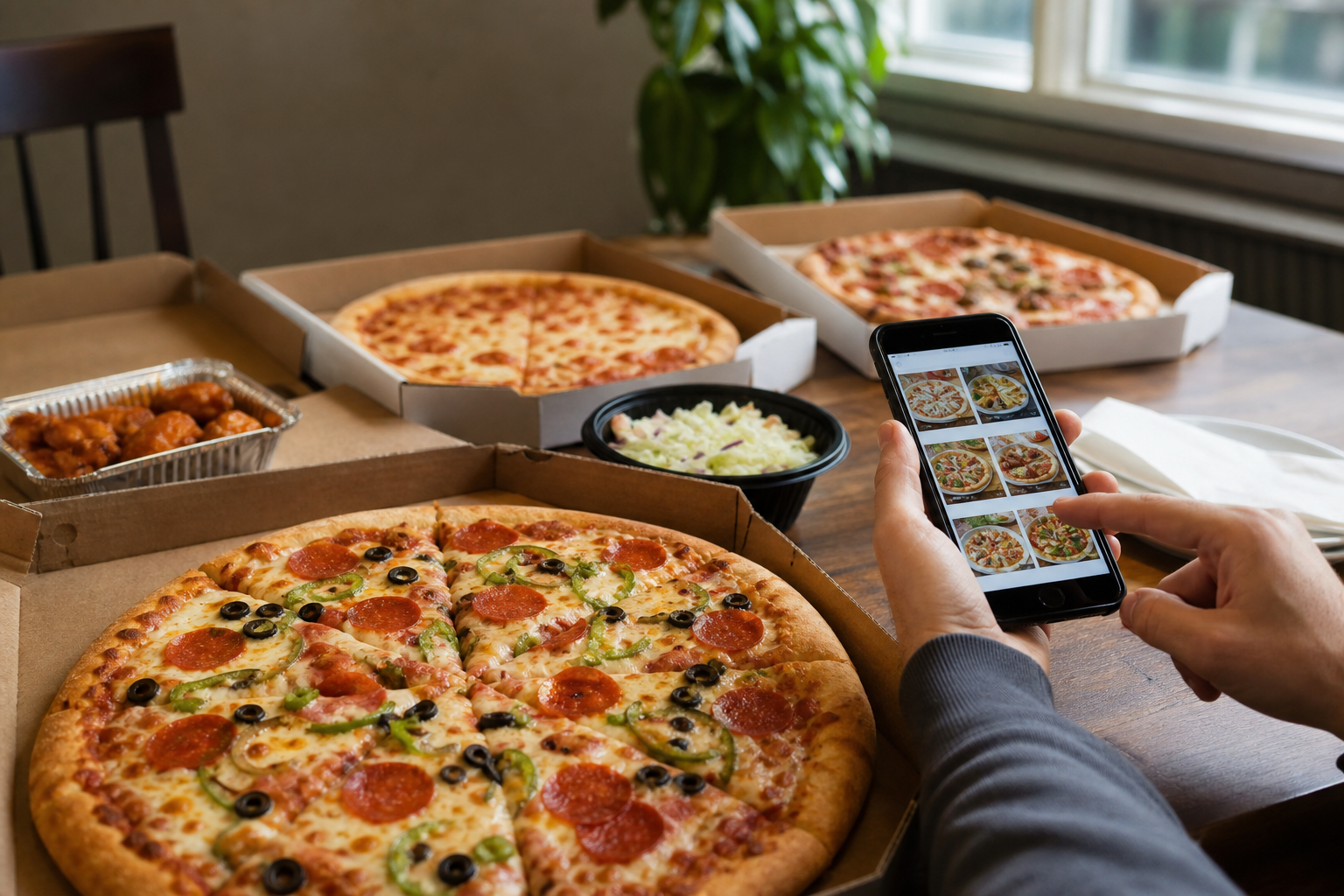
If you want the best value and the fewest surprises, use this six-step decision checklist to find current pizza deals in Kemptville, compare true cost and portion, confirm dietary and delivery fit, and complete a Milano online checkout. Each step includes quick tests and actions you can complete in under five minutes so you can order with confidence.
1. Scan where Kemptville pizza deals appear
Start by checking the places that update deals fastest and most reliably. Do not assume a flyer or a social post is still valid; verify at checkout when possible.
Local pizzeria website
Local shops post current offers and site-wide promotions on their own ordering pages. Milano lists its full menu, ordering features, and checkout discounts on the Kemptville site, so check the Milano ordering flow first to see what applies to your cart: Milano online ordering.
National chain pages
National brands publish store-level coupons and restrictions on their coupon pages. When you compare a chain offer, confirm the local availability and terms before assuming identical savings.
Third-party delivery marketplaces
Delivery apps may show restaurant promotions and exclusive app discounts. Browse local pizza listings on popular delivery platforms to compare offers and delivery fees, but remember app prices or fees can differ from the restaurant site.
Community channels and neighbourhood posts
Local Facebook groups and community boards can surface one-time promos and referral codes. Use these as leads but always confirm correct application at the merchant checkout.
2. Six decision criteria to compare deal value
Use these concrete criteria to measure real value. Check each item for every offer you consider before you click pay.
- Total cost after fees — Add taxes, delivery charge, service fees, and tip. A lower sticker price can cost more once fees are included.
- Portion per person — Estimate how many slices or servings you will get, especially for family deals. Divide the final cost by people to check per-person value.
- Included sides or drinks — Note whether the deal adds wings, fries, or drinks that would otherwise increase the order cost.
- Minimum order and expiry — Look for a minimum spend or expiry that could prevent you from using the promo on a smaller order.
- Delivery versus pickup — Some deals are pickup-only or waive delivery fees, which changes practical value depending on your plans.
- Stacking and loyalty rules — Check whether the offer can be combined with other discounts or requires enrolment in a loyalty program.
Quick math checklist
Copy this three-line calculation to compare offers quickly:
- Final total = sticker price + taxes + delivery/service fees.
- Per person cost = Final total ÷ number of people.
- Value check = Per person cost versus the baseline you accept for tonight.
Keep a short notes line beside each offer and you will spot the best deal in under five minutes.
3. Check dietary fit: gluten-free and specialty pizzas
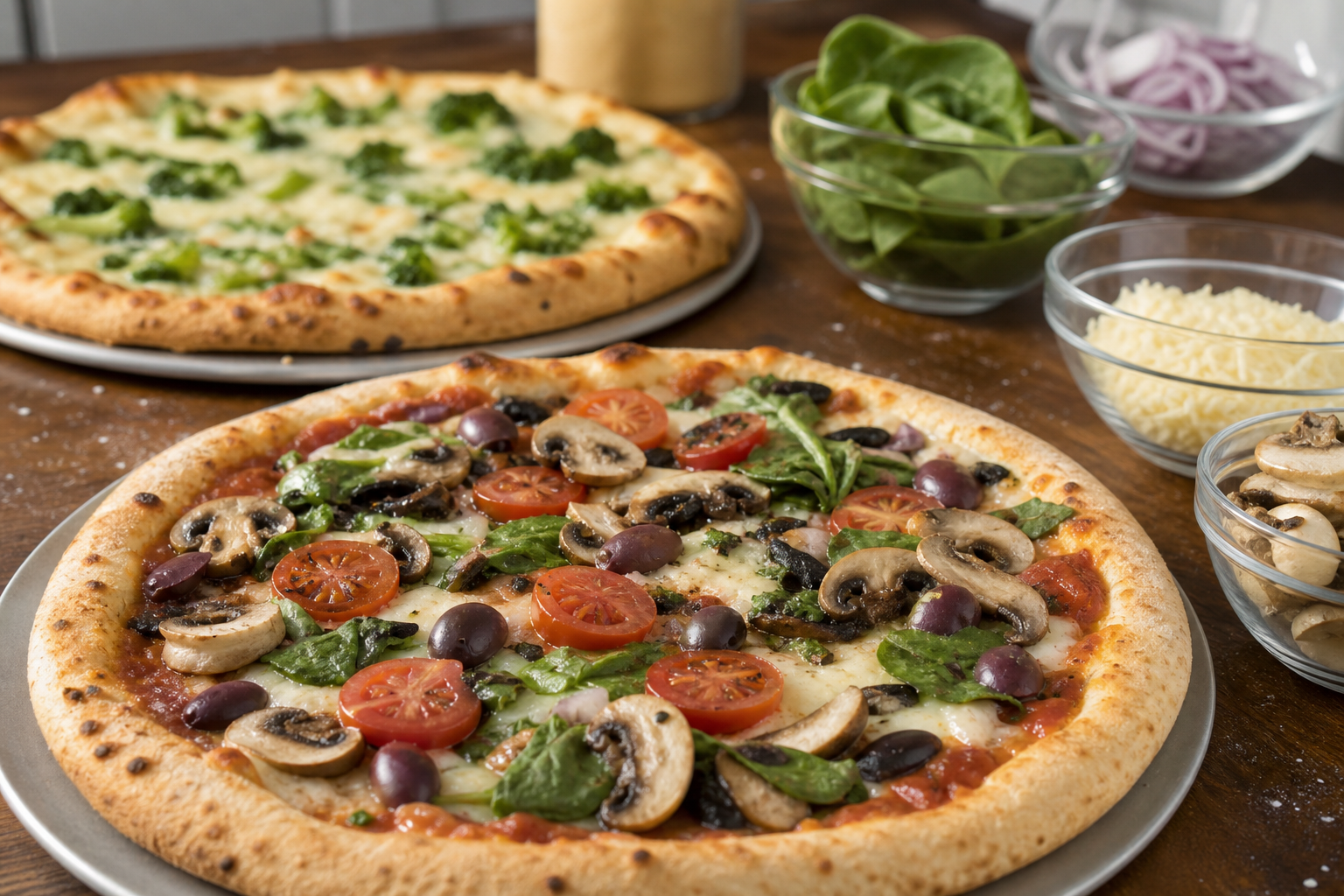
If someone in your group needs gluten-free options or prefers specialty flavours, confirm whether the deal covers them and whether there are extra charges or exclusions.
Gluten-free availability and pricing
Milano in Kemptville offers gluten-free dough for small and medium pizzas at no extra charge. Always verify the gluten-free crust is selected in your cart and that the promotion you want applies to that substitution.
Specialty pizzas and exclusions
Unique options such as Paneer Pizza and Butter Chicken Pizza appear on the Milano menu. Some promotions exclude specialty or premium pizzas, so test the exact item in your cart to confirm it qualifies for the discount.
Cross-contamination and communication
If cross-contamination is a concern, call the restaurant and ask about preparation practices and whether they can accommodate stricter separation. For quick questions or to confirm a special request, use the Kemptville Milano phone number and address listed below.
4. Confirm delivery area, fees, and pickup options
Before committing to delivery, test whether your address is eligible and what the final delivery charges will be.
How to test delivery eligibility on the ordering page
Enter your address on the restaurant ordering page and proceed to checkout. If the site accepts your address, it will show delivery fees and estimated windows. If the cart prevents delivery, switch to pickup and compare the savings.
When pickup is the smarter choice
If delivery fees and minimums push the per-person cost above your threshold, choose pickup to avoid fees and often get the order faster. Pickup is also useful when a deal is pickup-only.
Contacting the restaurant if checkout shows restrictions
If the site blocks coupons or shows unexpected fees, call the restaurant directly to confirm the promotion and ask whether they can apply it manually at the point of sale. Having the confirmation number or screenshot of the offer speeds resolution.
5. Redeem Milano online deals: a step-by-step checkout checklist
Use this ordered sequence when you decide to redeem a Milano deal so you do not lose the discount or choose the wrong crust or size.
Step A: Create an account to save time
Creating an account stores your address and payment method and enables the quick re-order feature for future orders. Account creation speeds checkout and simplifies repeat redemptions.
Step B: Pick qualifying menu items carefully
Add the exact items that the promotion requires. If the deal excludes specialty pizzas, add a qualifying option first to confirm the discount auto-applies at checkout.
Step C: Apply discount and confirm the final total
Some Milano promotions apply automatically at checkout, including site-wide discounts shown on the ordering flow such as 25 percent off when active. Check that the discount appears and recalculate the per-person cost after taxes and fees before you pay.
Step D: Choose delivery or pickup and complete payment
Select delivery if your address is eligible and you accept the fees. Choose pickup to avoid delivery charges. Confirm the pickup time or delivery window, then complete payment and save the confirmation number for tracking.
6. When a pizza deal might not be worth it

Not every advertised promotion results in savings. Watch for these situations where a deal can be inferior to a straightforward order.
- Hidden delivery or service fees make the per-person cost higher than a no-deal pickup.
- Very small portions in a deal increase per-person cost for larger groups.
- Deal exclusions on specialty pizzas you want force you to buy extra items at full price.
- Promotions that require loyalty enrolment or a future purchase may not be useful for one-off orders.
- Expired or region-locked offers that do not apply at your checkout—always verify at payment.
How to check the fine print
Read the terms on the offer page, test the promo in your cart, and if the discount fails, call the restaurant for clarification before attempting a second payment. Keep screenshots of the offer and your cart as proof if you need to ask for a manual correction.
Final checklist before you order and where to place it
Run this quick pre-check before hitting pay:
- Confirm the final total after tax and fees.
- Verify the delivery address or pickup time.
- Ensure gluten-free crust or specialty pizza selections are in the cart if needed.
- Confirm the discount appears at checkout or note the promo code to enter.
- Save the confirmation number and expected delivery or pickup window.
Place your order on the Milano online ordering page for the Kemptville location: the official website. For last-minute questions call (613) 258-4050. The Kemptville address is 2600 County Rd 43, Kemptville, ON K0G 1J0.
Frequently asked questions
Can I use Milano online deals for delivery and pickup in Kemptville?
Yes. Milano supports online ordering for both delivery and pickup. Some promotions may be pickup-only or have delivery restrictions, so test your address in the cart or read the offer terms on the Milano ordering page before finalizing the order.
Does Milano include gluten-free dough with pizza deals in Kemptville?
Milano offers gluten-free dough for small and medium pizzas at no extra charge at the Kemptville location. Confirm the gluten-free crust is selected in your cart and that the promotion you want applies to that crust.
How do I apply a site discount when ordering from Milano online?
Many Milano site discounts apply automatically at checkout. If a promotion requires a code, enter it on the checkout page and check that the final total reflects the discount before completing payment.
Where else should I check for pizza deals in Kemptville besides the Milano website?
Compare offers on national chain coupon pages, check delivery marketplaces for app-only promotions, and monitor local community boards for one-time referral codes. Always confirm the offer on the restaurant ordering page before paying.
Talk with Milano
Contact Milano to ask about the next step and confirm which options fit your needs.