
Need a decision now? In under five minutes you can choose delivery or pickup and identify the lowest final-price option for your pizza order in Kemptville. This checklist walks you through setting order specs, comparing channels, checking real discounts, and using Milano's online features to save time and money. Milano's Kemptville menu, account tools, free small and medium gluten-free dough, and site-wide offers are available on their website.
Five-minute checklist: the exact steps to decide now
- Set the order: party size, pizza size, any gluten-free requirement, must-have toppings, and a maximum budget.
- Check three channels quickly: Milano's website, one or two delivery apps you use, and a phone call if the menu is unclear.
- Calculate the final cart cost for each channel: item prices, delivery or platform fees, taxes, and tip.
- Scan for promos and coupons: restaurant site, email signup, and app promotions. Verify the discount applies to your cart before checkout.
- Decide pickup or delivery: choose the lower final-price option unless speed or convenience changes the decision.
- Place the order and save your account or use reorder to lock in a faster low-cost checkout next time.
Checklist steps (fill these out quickly)
Follow these micro-steps and stop points. Each step finishes with a decision you can use immediately.
- Set order specs (30 seconds). Choose pizza size and toppings, note if someone needs gluten-free, and set a hard budget. If you need gluten-free, remember Milano offers gluten-free dough at no extra charge on small and medium pizzas, which can shift the choice toward them. See Milano's menu for details at Milano.
- Compare channels (60 seconds). Open Milano's site in one tab, then your usual delivery app in another. Delivery apps may show different menu pricing because third-party platforms sometimes add fees or use different pricing. For a discussion of these price differences see coverage of delivery app pricing in the news. If the app shows a lower base price, verify the final cart before you assume it is cheaper.
- Calculate final cart cost (60 seconds). For every channel add the item subtotal, delivery or platform fee, any small order or surge fee, taxes, and a tip. Do not assume a displayed pizza price is the final amount. Use a quick worksheet in your head or on paper: subtotal plus fees equals final total. If one option is clearly under your budget stop here and order.
- Check promos and validate them (45 seconds). Look for site-wide discounts and first-order codes. Many restaurants send welcome codes by email, and third-party apps run their own promotions. Signups often provide codes, so check your email or the promo tab in the app before you finish checkout. If you see a store-wide discount on the Milano site, test it in checkout to confirm it applies to your items.
- Decide pickup vs delivery (30 seconds). If pickup removes the delivery fee and your travel time is less than the fee saved then pickup usually wins. If the delivery fee is small and you need the convenience then delivery may be the better option. Use the simple rule: if travel time in minutes is less than the delivery fee in dollars multiplied by two then pickup can be cheaper, otherwise choose delivery.
- Place the order and save settings (15 seconds). Create an account or store your address and favourites so next time you can reorder with one click and avoid repeated browsing that leads to impulsive add-ons.
How to compare final cost across channels (website, apps, phone)
Comparing menu prices is only the first step. The true comparison is the final cart total. Delivery apps sometimes add platform fees or change menu prices, so a lower sticker price in an app can still cost more after fees. For an overview of how apps can affect final price see reporting on delivery app pricing.
Here are the fees and items to check for every channel:
- Menu item price and size differences. Some menus show different default toppings or crusts between channels.
- Delivery fee, minimum order fee, or surge fee applied by the app or restaurant.
- Platform service fee if you order through a third-party marketplace.
- Taxes and any municipal delivery taxes that apply at checkout.
- Tip or driver gratuity, which you choose but should include in the comparison.
- Discounts and promo codes that reduce the subtotal or waive delivery fees.
If the menu is confusing, ask the restaurant one direct question: "What is the final price for this pizza with these toppings and delivery to my address?" That simple question avoids surprises. For more advice on reading menus and decoding fees see a practical menu guide for local pizzerias.
When pickup beats delivery and how to confirm the savings
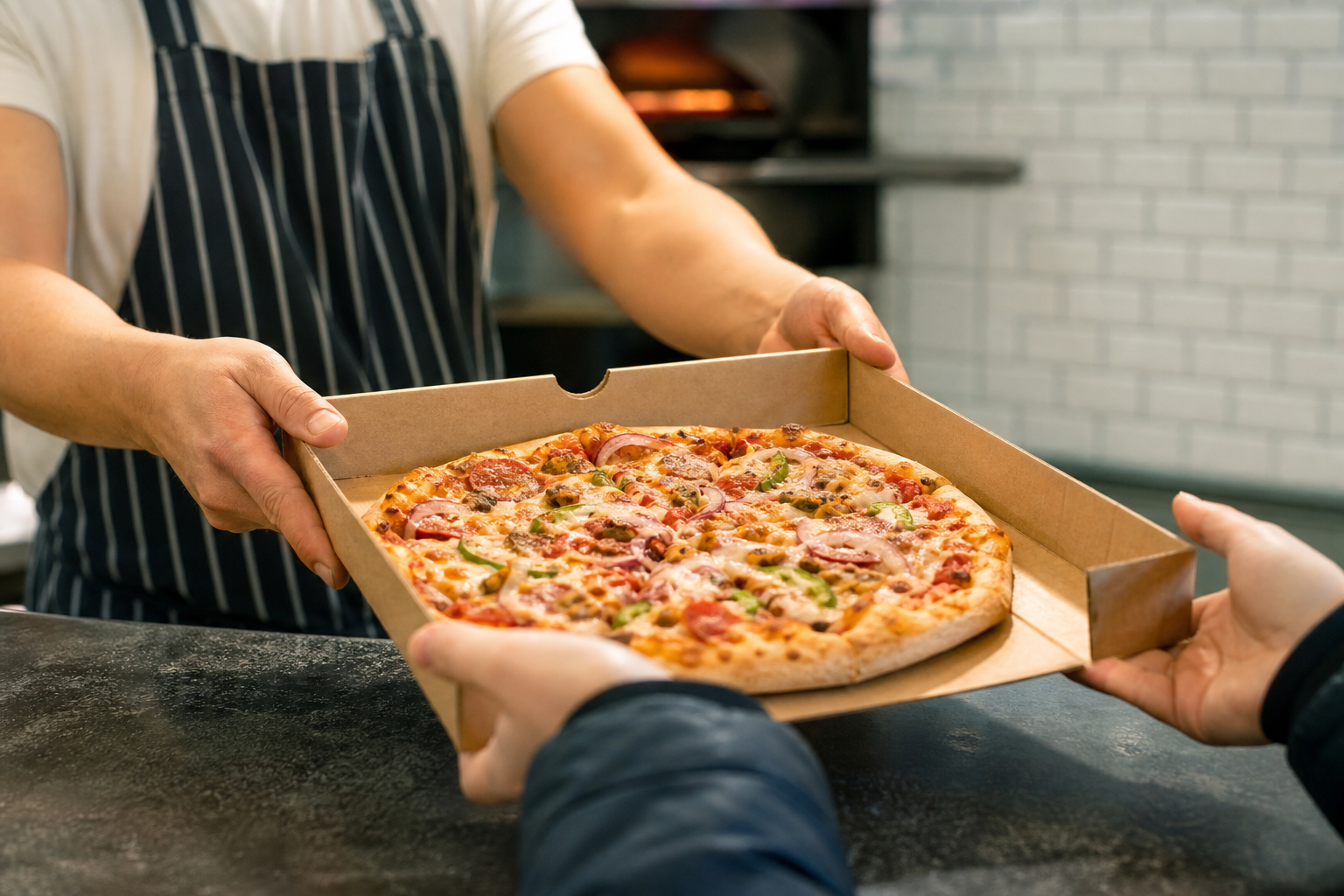
Pickup is usually cheaper when the delivery fee plus expected tip is greater than your travel cost and time. Use these quick checks:
- If delivery fee plus tip is more than the cost of a return trip in fuel or a rideshare then pickup may be cheaper.
- If you can stack a pickup-only coupon the difference can be decisive. Ask whether a promotion applies to pickup only.
- Confirm estimated ready time for pickup. During peak hours the wait time can offset savings, so check the restaurant's estimated preparation time or ask staff. For tips on how restaurants manage online orders and busy periods see an industry guide for pizzerias.
How to spot real promos and avoid misleading savings
Promo hunting is effective but it must be verified. Promotions shown in apps sometimes apply only to certain items or require minimum spends. Email signups often include first-order discounts, and some restaurants run site-wide deals that apply properly in their own checkout.
Quick promo tactics: signups, codes, and timing
- Sign up for the restaurant's email list or create an account, because first-time codes or exclusive coupons often arrive by email. See guidance on checking multiple channels for promo codes.
- Test the promo code in the cart before you hit pay. If the code fails, ask support or try phone ordering to confirm whether staff can apply a valid in-store coupon.
- Watch for site-wide discounts that display on the restaurant website. For example, Milano's Kemptville site advertises frequent promotions and a site-wide 25% off discount that applies at checkout. Test it in the cart to confirm it applies to your order and your address.
Dietary and special requests that affect price and choice
Dietary needs change the decision tree. If someone requires gluten-free dough, check whether that option comes with an upcharge. Milano's Kemptville location states that gluten-free dough is offered at no extra charge for small and medium pizzas. That may make Milano the best low-cost choice for small or medium gluten-free orders. Always confirm the dough option in checkout or with staff. Do not assume gluten-free options eliminate cross-contact risks, and do not use dietary statements as medical advice.
A simple decision table: choose by party size, price sensitivity, and speed

| Input | Priority | Recommended action |
|---|---|---|
| Party of 1 or 2, tight budget | Price sensitive | Check Milano small or medium with gluten-free option and site promo, choose pickup if it removes delivery fee |
| Family of 3 to 5 | Value and convenience | Compare delivery app fees vs Milano site bulk deals, factor tip into final price, pickup if multiple pizzas stack discounts |
| Need food fast, less price sensitive | Speed | Choose closest delivery with short ETA, accept small delivery fee for convenience |
Common objections and what to ask before you order
- "An app shows a lower price but the total is higher." Ask: what will my final total be after delivery fees and taxes on your platform. If unsure, calculate with a saved tip amount so you compare like for like.
- "I need gluten-free but I do not want to pay more." Ask the store whether gluten-free dough for your desired size has an extra charge. Milano lists free gluten-free dough for small and medium pizzas on their Kemptville menu.
- "I see a promo but it will not apply." Test the code during checkout and if it fails call the restaurant with the code and cart details to confirm whether they can apply it.
Copy-paste scripts to confirm final price and delivery
Use these quick scripts on the phone or in chat. Replace the bracketed items before sending.
- Phone script: "Hi, I want to order [one large pepperoni] for delivery to [my address]. What will my final total be including delivery, taxes, and any fees? Can I use the code [PROMO] on this order?"
- App chat script: "I built this cart for pickup/delivery. Does this code [PROMO] apply to these items and my address? If not, what is the final total?"
- SMS or message script: "Quick check, do you deliver to [my address]? If yes, what is the delivery fee and estimated time for [order details]?"
Save on repeat orders and where to go next
Creating an account and saving favourites reduces decision time and transaction cost. Use the reorder feature to replicate a low-cost cart you know worked. If you find a combination that hits your price and taste targets, save it as a favourite and use it as your default. Milano's online ordering system supports account creation and quick reorders so repeat savings are faster on subsequent orders.
Frequently asked questions
How do I compare the final price between a delivery app and ordering from the restaurant website?
Compare the final cart totals, not just base menu prices. Include delivery or platform fees, taxes, and a tip. Delivery apps sometimes add platform fees or change menu prices, so a lower sticker price in an app can still cost more after fees. For a discussion of how apps affect final price see reporting on delivery pricing.
When will pickup be cheaper than delivery for a family order in Kemptville?
Pickup is usually cheaper when the delivery fee plus tip exceeds the cost of your travel time and fuel. Also check whether pickup-only coupons or multi-pizza deals are available. If you are ordering several pizzas and the restaurant has a family bundle, pickup often gives the best value.
Does Milano charge extra for gluten-free dough at the Kemptville location?
The Milano Kemptville website states that gluten-free dough is provided at no extra charge for small and medium pizzas. Confirm in checkout or with staff before ordering to be sure the option is available for your requested items.
How can I find and validate promo codes before I finish checkout?
Check the restaurant site, your email for signup codes, and the promotions tab in delivery apps. Test the code in the cart before paying. If a code fails call or message the restaurant to confirm whether the coupon applies to your items and your address.
What should I ask when I call a pizzeria to confirm my final order price?
Ask for the total including delivery fees, taxes, and any platform or surge fees. Say which promo code you want to use and ask whether it applies to the order. Confirm the estimated delivery time or pickup ready time so you can weigh cost versus speed.
Ready to try a quick low-cost order? Order online at Milano and save your favourites to reorder faster next time.
Selected references and further reading: reporting on delivery app pricing, a local pizza checklist, menu decoding tips for fees, a pizzeria online ordering guide, and questions to ask before ordering delivery.